
Computers/Library Assignments
- Instructors
- Term
- Spring 2020
- Grade Level
- Media/Library
- Description
-
Hello awesome panthers,
This is Mrs. Arellano welcoming you to our online computer/library class. Here you and your parents will find valuable resources to keep learning and practicing your computer, as well as reading skills, all the way from home.
Most websites we have already used in school, but there might be a few new ones to you. Go ahead and try them all out. Hope you have lots of fun while learning. Any questions, please let me know. I'm here to help.
Miss you all and hope to see you soon!
As always, remember to keep yourselves safe at all times while searching the web. Never share personal information with anyone including, but not limited to, your name, address, or phone number.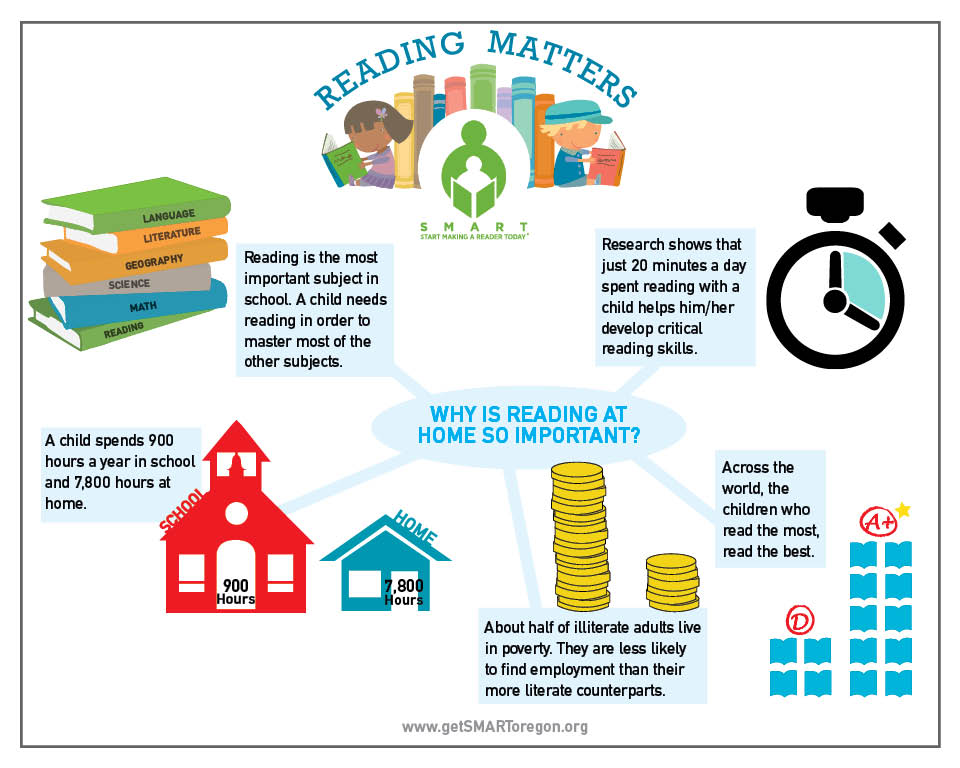
Upcoming Assignments

No upcoming assignments.
Past Assignments
Due:
Assignment
Computers
1. Continue practicing your typing skills at home by visiting:
(Remember to login using your credentials. Same username and password used to log in to the computer at school.)
OR
(No need to log in; Just click on Get Started)
2. Complete lessons on computer skills by visiting:
(Click on start lesson for each module)
3. Practice and improve your math skills by visiting:
(Choose your grade on the top of the page)
OR
4. Watch some educational videos and play games by visiting:
OR
OR
OR
5. Get creative and start coding your ideas by visiting:
(Click on create if you are ready to start or click on ideas and watch some of their tutorials to get started)
OR
6. Log in to Clever and continue working on your assigned lessons either on SmartyAnts or Achieve3000
(Username = student's ID number ex. 40001234; Password = student's date of birth ex. 10152010)
7. Other fun and educational websites to visit:
OR
OR
Due:
Assignment
Library
Reading daily has been proven to increase your vocabulary and makes you a more creative thinker. It helps you develop your thoughts, gain more knowledge, not to mention it makes you smarter. So please remember to read daily for 20-30 minutes.
Although our library is temporarily closed, here are some useful websites you, your parents, and your siblings may visit. You will find all kinds of material to read including fiction and nonfiction books, and magazine articles. For each website I will be providing details of how to access the material. Please read carefully and follow the directions as told.
Have fun feeding your brains!
- Choose your grade level
- Start on Week1 Day 1
- Click on Playlists
- Under Storyline Online Stories you are going to click on View Full Playlist
- Choose a video of interest from the playlist where a famous celebrity will read to you a short, but fun story!
- Click on Log In on the top right corner
- Enter the following information
- Username: guest
- Password: follett
- Under Lightbox click on See All
- You have thousands of titles to read through in both English and Spanish
- You will be asked to enter your class code.
- Enter the following class code: rsk7950
- Then click on GO
- You will then be asked to create a profile
- Please enter your first and last name
- From here have your parents send me an email with your name and their email address so I can grant you access to the library.
- My email is [email protected]
*This library is completely free if done this way. There is no need to enter payment information. Please just send me an email and I will get it set up for you.*